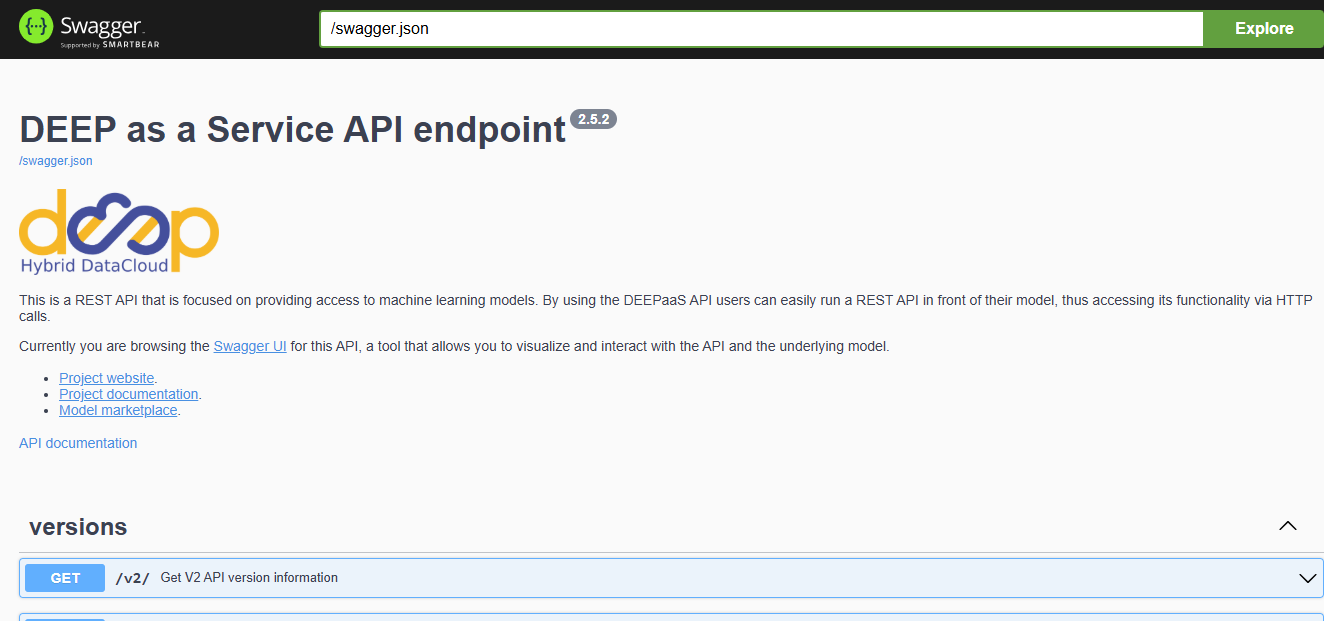
Deploy a model on your own cloud resources
Requirements
🔓 You need a platform account with basic access level.
As every module available in the Marketplace is open-source, we offer the possibility to automatically deploy it in your custom cloud resources using the EGI Infrastructure Manager. This feature is available to any registered user (Access Policies).
✅ Pros |
❌ Cons |
|---|---|
|
|
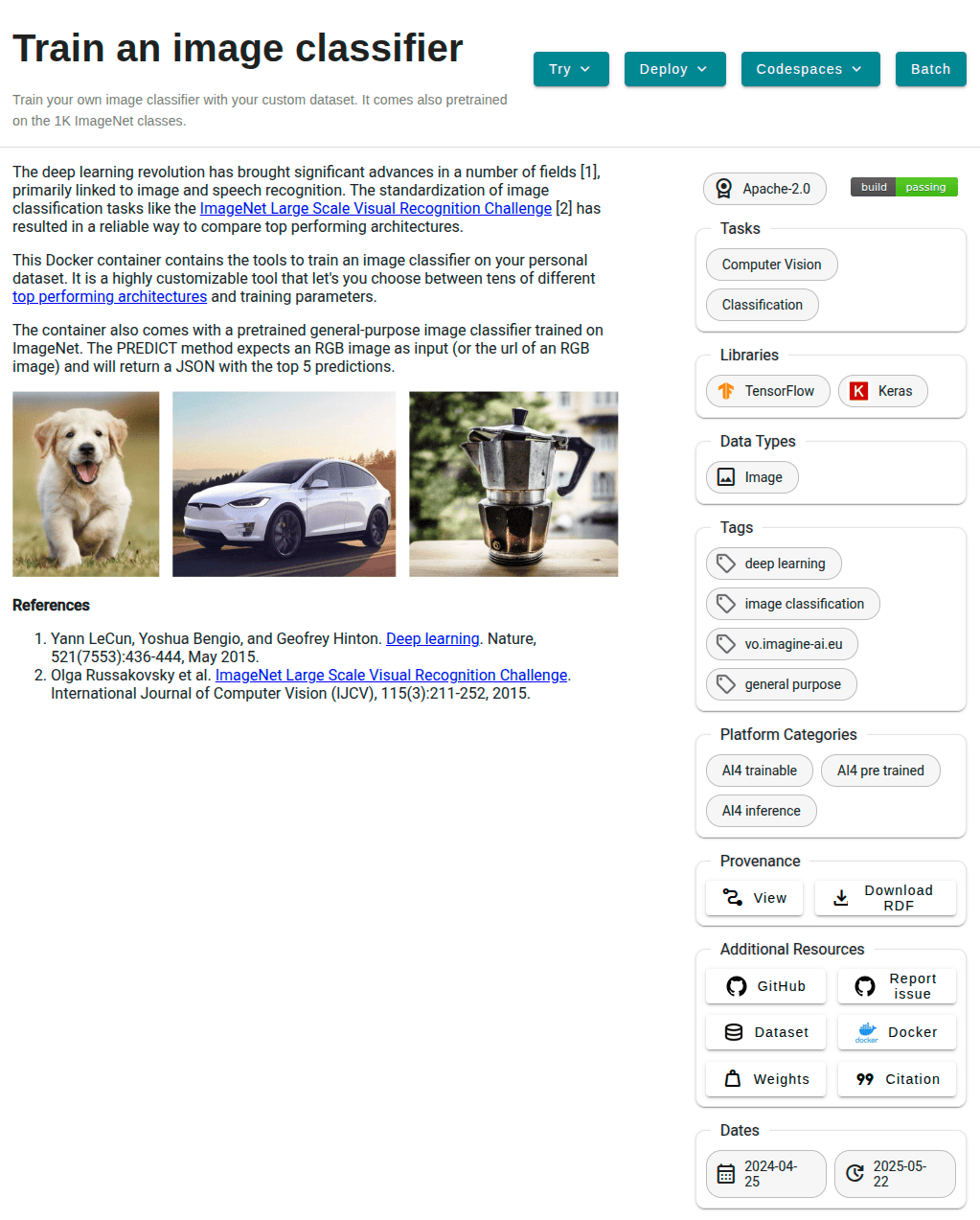
For this, select a module in the Marketplace and click on Deploy ▼ IM.
This will forward you to the Infrastructure Manager, with the module already selected.
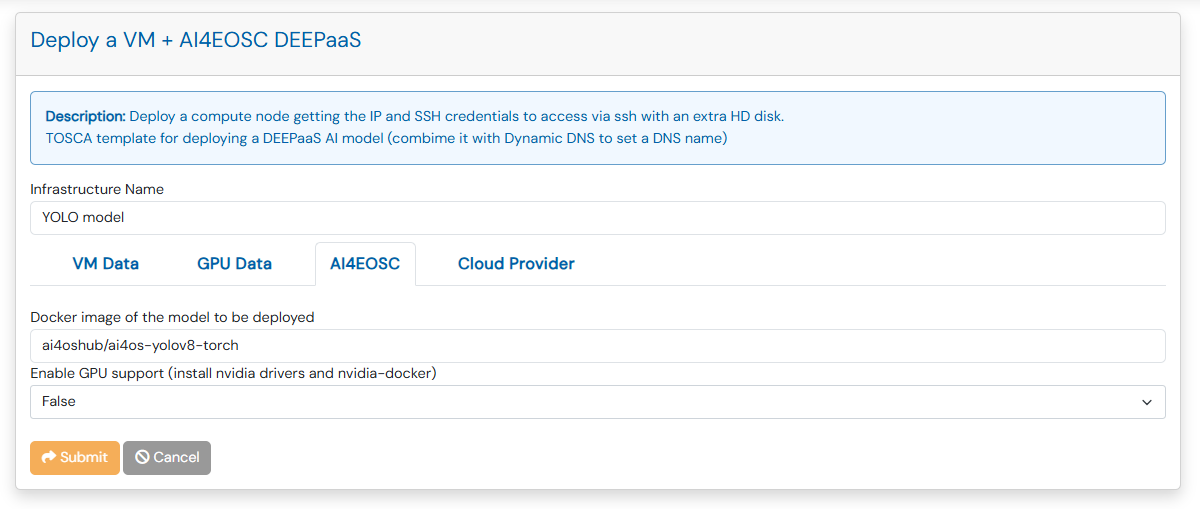
If you are not logged in, you will be prompted to log in with your EGI Check-in account.
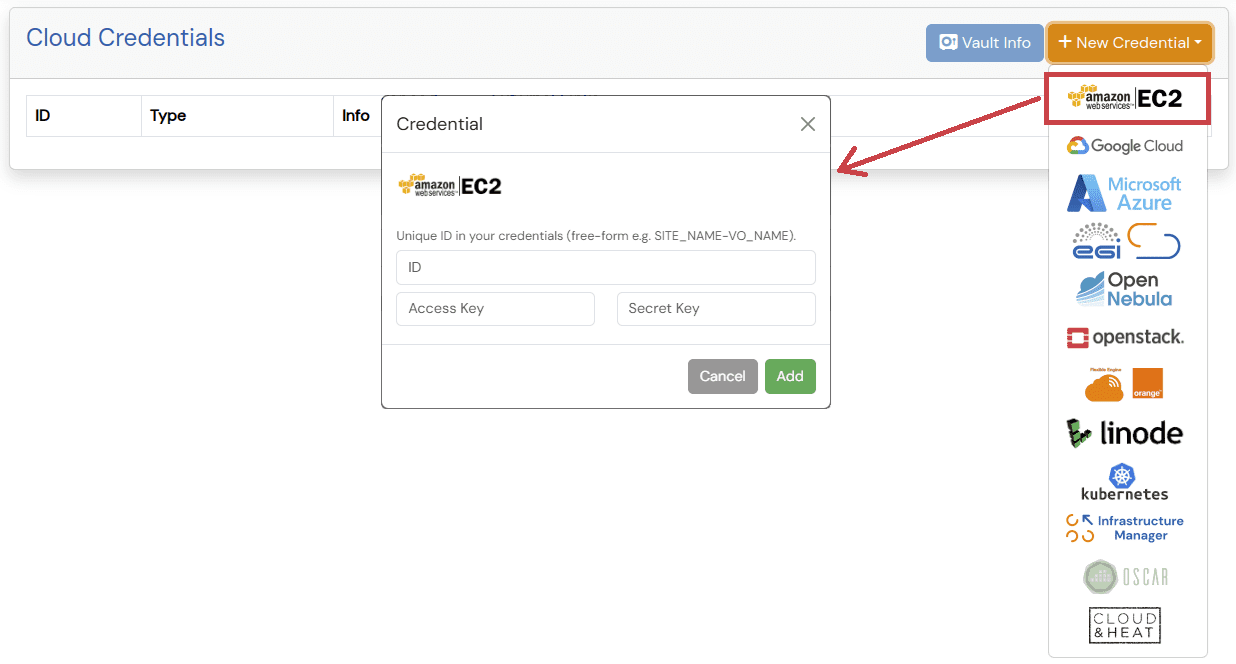
If you do not have any cloud provider configured, you will be prompted to configure them.
You can do so by clicking on the Add button.
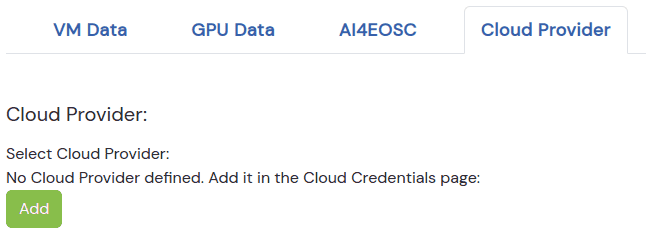
You can then select any of the cloud providers supported by the IM, and fill in the required information (e.g. Access and Secret Key in case of AWS).
Finally, you can select the cloud provider you want to use, and the base image you want to use for the deployment.
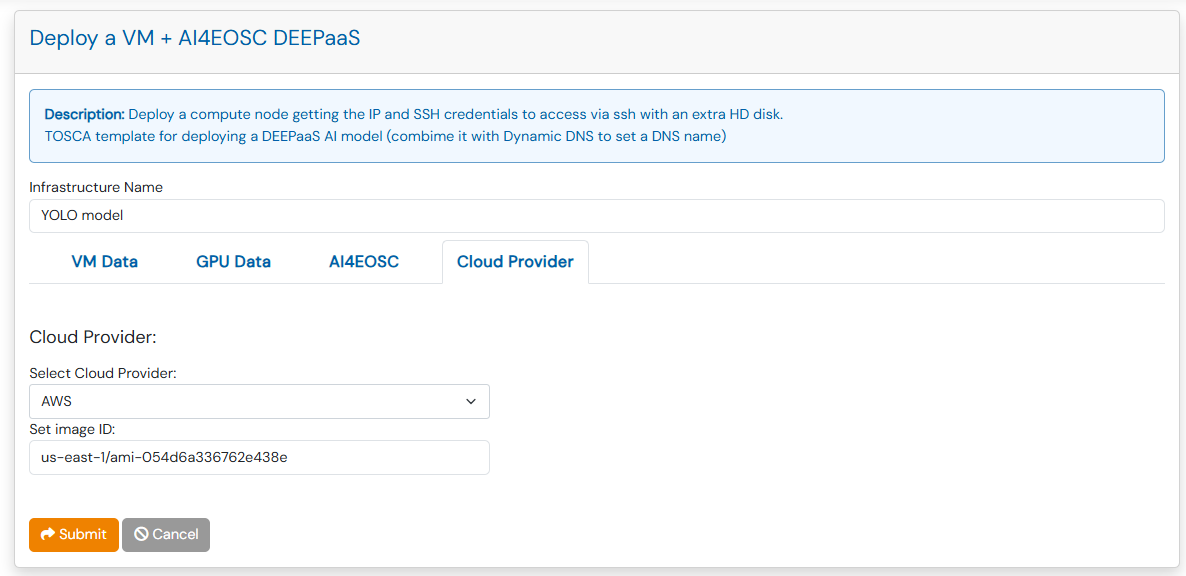
After clicking on Submit, the deployment will start.
Then afther a few minutes, the VM will be deployed and the AI4EOSC module
configured and you will be able to use it.
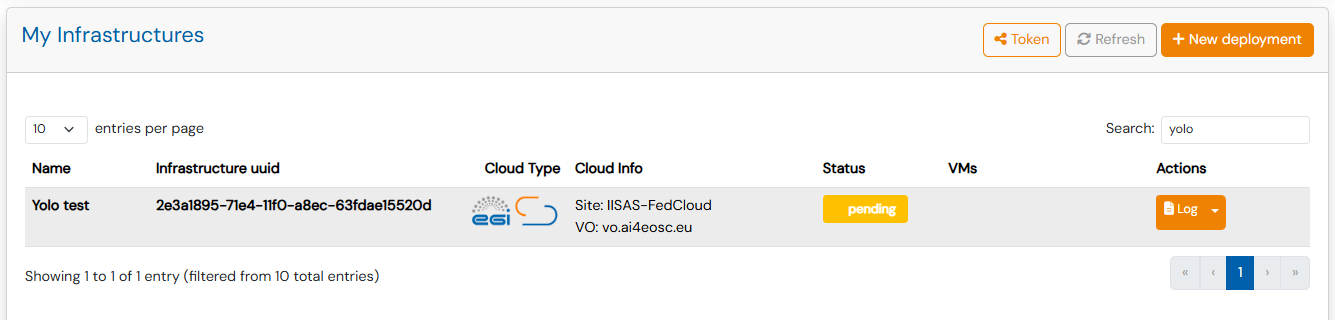
When the status changes to Configured, you can click on Outputs button
to see the endpoint of DEEPaaS API UI of the module.
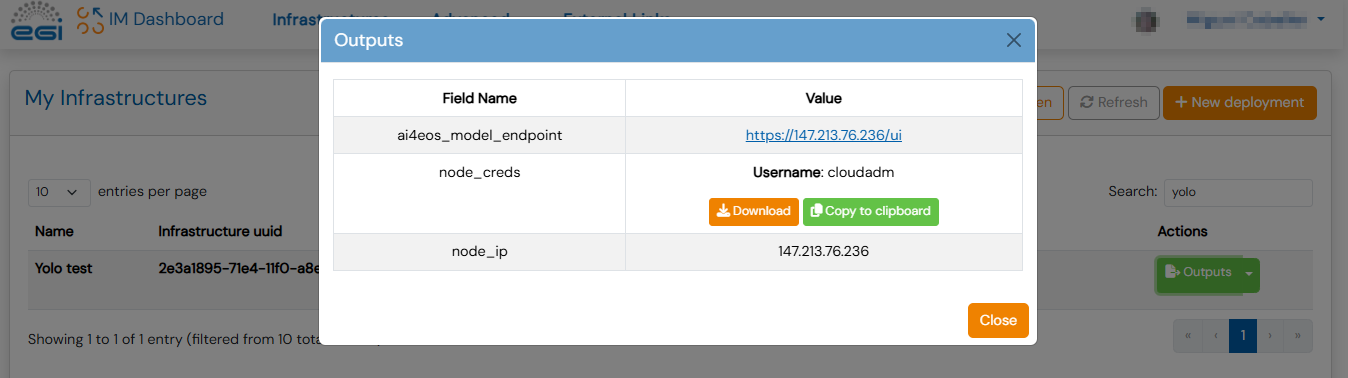
Click on the link and you will see the API documentation, where you can test the module’s functionality, as well as perform other actions.